Most site problems don’t announce themselves. A page slows down, an error shows up in a log nobody’s reading, a security setting drifts, and you find out when a customer does.
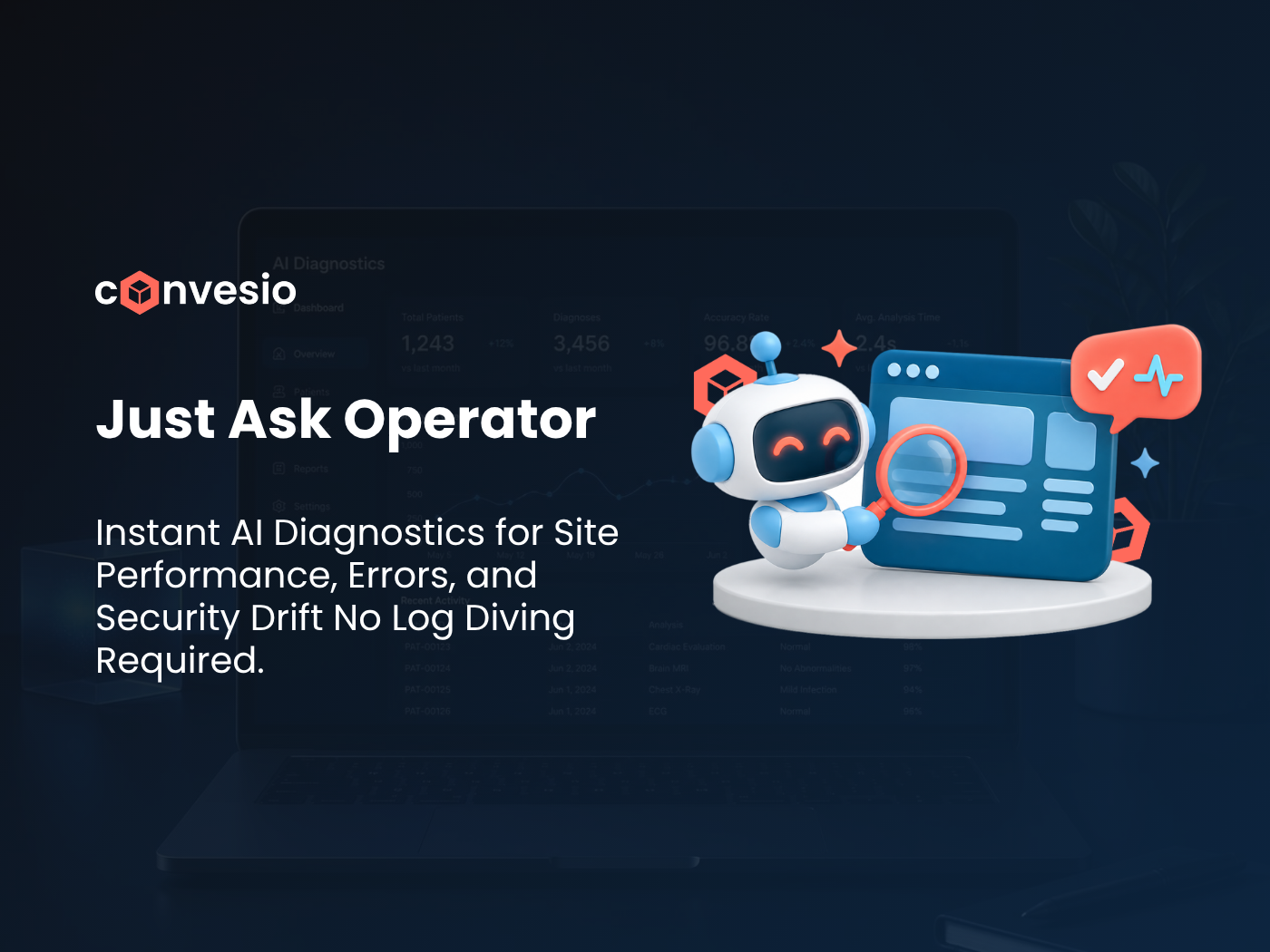
Operator is the new Convesio AI, built to close that gap. On any of your sites, you ask a question about health, performance, security, or errors. Operator checks and lets you know what’s going on.
It’s a simple idea: instead of hunting through dashboards and logs to figure out what’s wrong, you ask, and you get an answer.
What Is Convesio Operator?
Operator is an AI assistant for your Convesio-hosted WordPress sites. You ask it about your site in plain language. It looks at the site, checks what you asked about, and reports back.
It follows Convesio’s earlier AI work, including ConvesioAI and the AI-powered site diagnostics tool, and it’s the version Convesio is now putting forward as the new Convesio AI.
What You Can Ask Operator
Operator is built around the four questions that come up most when you run a serious WordPress or WooCommerce site.
Health
Is my site up and running the way it should be? Ask Operator for a read on your site’s overall condition, so you’re not piecing it together from several tools.
Performance
Why does this feel slow? Slow pages cost conversions and search visibility. Ask about performance and Operator checks the site and tells you what it finds, so you can decide what to act on.
Security
Is anything I should know about? Security checks are easy to put off because they’re tedious. Asking a question and getting an answer lowers the effort of staying on top of it.
Errors
What’s breaking, and where? Errors buried in logs are one of the most common ways small problems turn into outages. Ask Operator about errors and it checks and reports back.
Read-Only by Default
Operator is read-only by default. It looks at your site and tells you what’s going on, and you decide what to do from there.
That design choice matters. An AI that can change things on a live site without asking is a risk, especially for stores and high-traffic sites where one bad change costs real money. With Operator, the default is visibility first: you get the information, and you stay in control of the next step.
For agencies managing client sites and teams with change-control rules, that’s the right starting point. You can use Operator to check on a site without worrying that asking a question will alter it.
24/7 Support When You Need a Hand
An answer is only useful if you can act on it. If Operator surfaces something and you want help with it, Convesio’s 24/7 support team has you covered.
That pairing is the point. Operator tells you what’s happening quickly, and a real team is available around the clock to help with what comes next, whether that’s a performance issue, an error you don’t want to dig into yourself, or a security question.
Who Operator Is For
- Site owners and store operators who want a quick, plain-language check on their site without learning every tool in the stack
- Agencies responsible for several client sites, where checking health, performance, security, and errors one site at a time adds up
- Teams that want visibility into what’s happening on their sites before problems reach customers
Frequently Asked Questions
What is Convesio Operator? Operator is the new Convesio AI. On any of your sites, you can ask about health, performance, security, or errors, and Operator checks and lets you know.
Can Operator make changes to my site? Operator is read-only by default. It reports what it finds, and you decide what to do from there.
What can I ask Operator about? Site health, performance, security, and errors.
What if I need help acting on what Operator finds? Convesio’s 24/7 support team is available to help.
Try Operator on Your Sites
If your sites run on Convesio, Operator gives you a faster way to know what’s happening on them, with you in control of what happens next.
Operator is part of Convesio’s commerce platform. Explore ConvesioHost, ConvesioPay, and ConvesioConvert to see the full suite.