Checkout friction costs sales. Every extra field a customer has to fill in in is another chance for them to abandon their cart. Digital wallets remove that friction almost entirely and over the past several months, ConvesioPay has built out full wallet support, from first checkout to every renewal after it.
Here’s what’s live now.
One-Click Checkout with Apple Pay and Google Pay
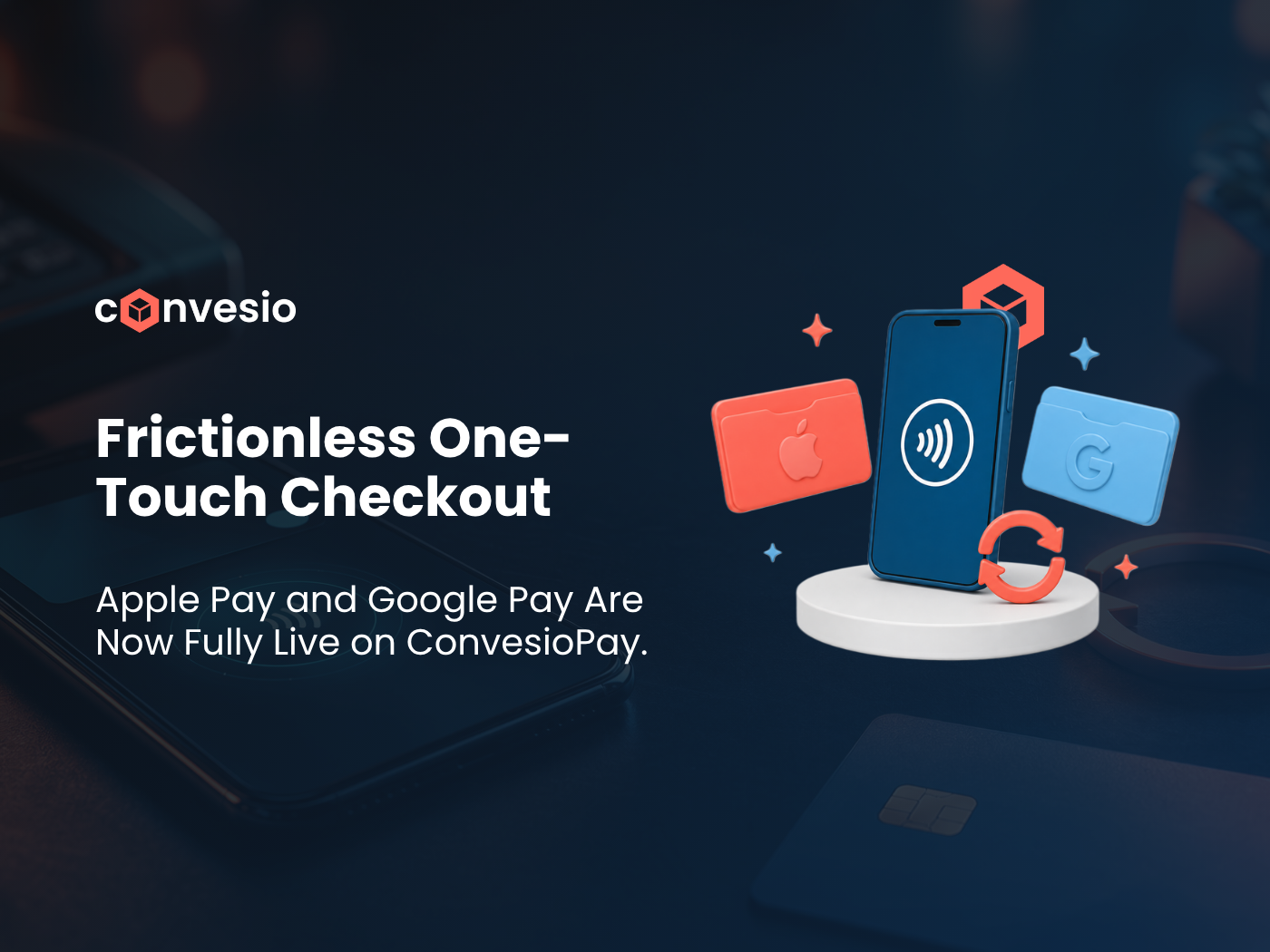
ConvesioPay’s Accelerated Checkout brings one-click Apple Pay and Google Pay directly to your WooCommerce checkout page. Instead of typing out card numbers, billing addresses, and shipping details, customers on supported devices can complete a purchase in a single tap.
For mobile shoppers especially — where typing is the biggest source of checkout drop-off, this is one of the highest-leverage changes you can make to your checkout flow.
Google Pay was the first wallet added to ConvesioPay, with Apple Pay support and the full Accelerated Checkout experience following shortly after. Together, they give customers the fast, familiar checkout experience they already use everywhere else.
Subscriptions Now Renew with Apple Pay and Google Pay Too
One-time checkout is only half the story for subscription businesses. ConvesioPay now supports subscription renewals through Apple Pay and Google Pay as well, meaning a customer who subscribes using their digital wallet keeps paying with that same wallet, automatically, at every renewal.
This closes a gap that used to force subscription merchants to ask customers to enter a traditional card on file even if they’d checked out with a wallet the first time. Now the entire subscription lifecycle, from first purchase to every recurring charge after, stays wallet-native.
Why This Matters for Conversion and Retention
Digital wallets aren’t a nice-to-have anymore. Customers expect them, and stores that don’t offer them are asking shoppers to do more work than they have to.
- Faster checkout means fewer abandoned carts, especially on mobile
- Wallet-based subscription renewals reduce failed payments tied to expired or mistyped card numbers, since wallets keep card details current automatically
- Familiar, trusted UI — Apple Pay and Google Pay’s checkout sheets are ones your customers already recognize and trust
For subscription businesses in particular, reducing failed renewals has a direct impact on churn. A renewal that fails because a card expired is a customer you have to win back. A renewal that goes through automatically because the wallet handled it is a customer you keep.
How to Turn It On
If you’re running ConvesioPay through the PeachPay plugin on WooCommerce, Apple Pay and Google Pay can be enabled directly in your settings, with a toggle to turn wallet checkout on or off as needed. Once enabled, Accelerated Checkout appears automatically for customers on supported devices and browsers, no separate integration required.
Get Started
If you’re already on ConvesioPay, check your checkout settings to confirm Apple Pay and Google Pay are enabled, including for subscription renewals if you sell recurring products.
If you’re not yet on ConvesioPay, this is exactly the kind of infrastructure that pays for itself in reduced cart abandonment alone.
ConvesioPay is part of the Convesio commerce suite. Explore ConvesioPay, ConvesioHost, and ConvesioConvert to see the full platform.