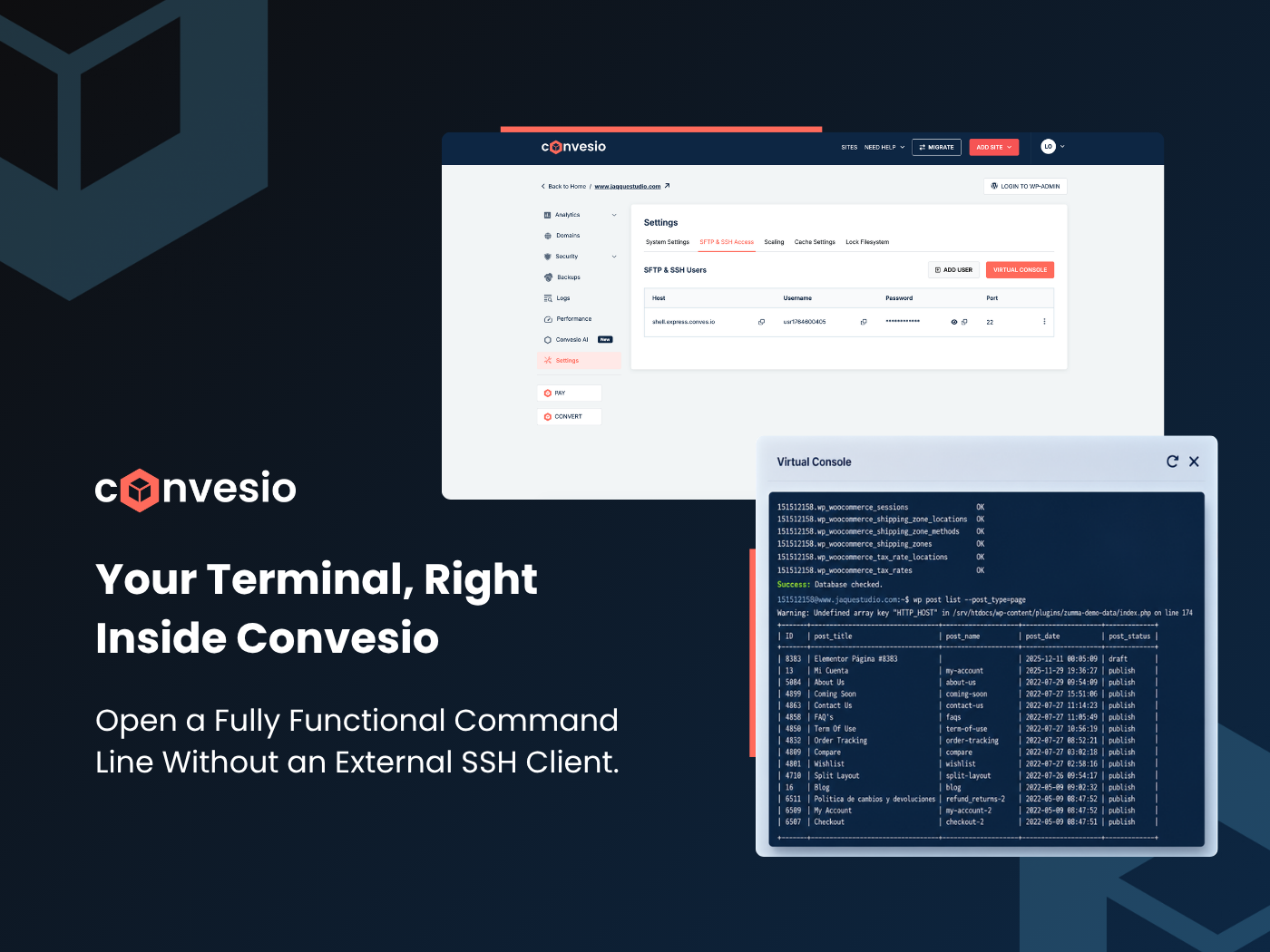
A fully functional virtual command line, no SSH client needed. Run WP-CLI commands, inspect your database, and manage your Express site without ever leaving the dashboard.
A command line without the setup headache
Managing a WordPress site at the server level has always meant juggling SSH clients, credentials, and terminal windows outside your workflow. With the new Express Console, that friction is gone. You can now open a fully functional virtual terminal directly from within the Convesio dashboard, no external tools, no extra configuration.
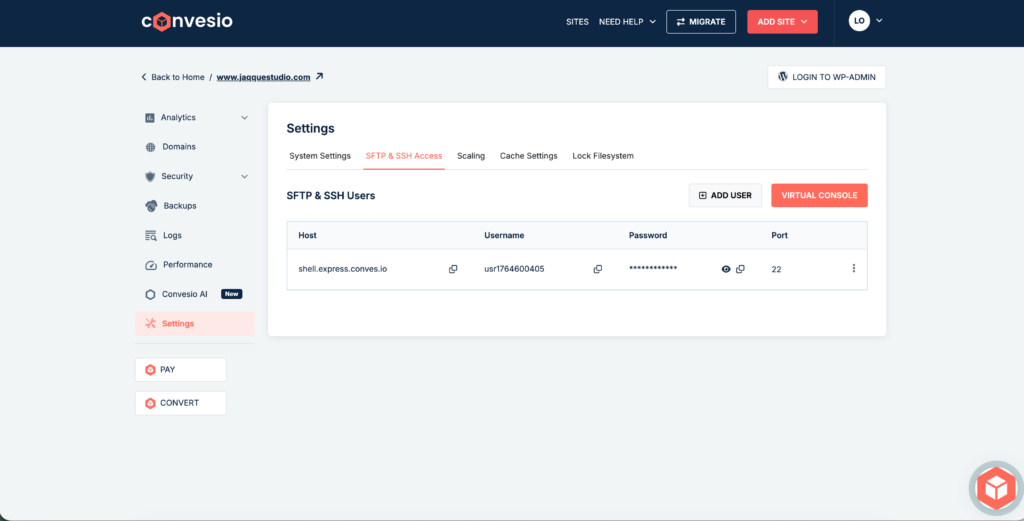
Head to Settings → SFTP & SSH Access for any Express site and you’ll find the new Virtual Console button sitting right alongside your SFTP credentials. One click and you’re in.
Full WP-CLI access, database checks, and more
The console gives you real shell access to your Express site environment. Run WP-CLI commands, check database integrity, list posts, manage plugins, or inspect your file system, all from a clean, browser-based terminal window.
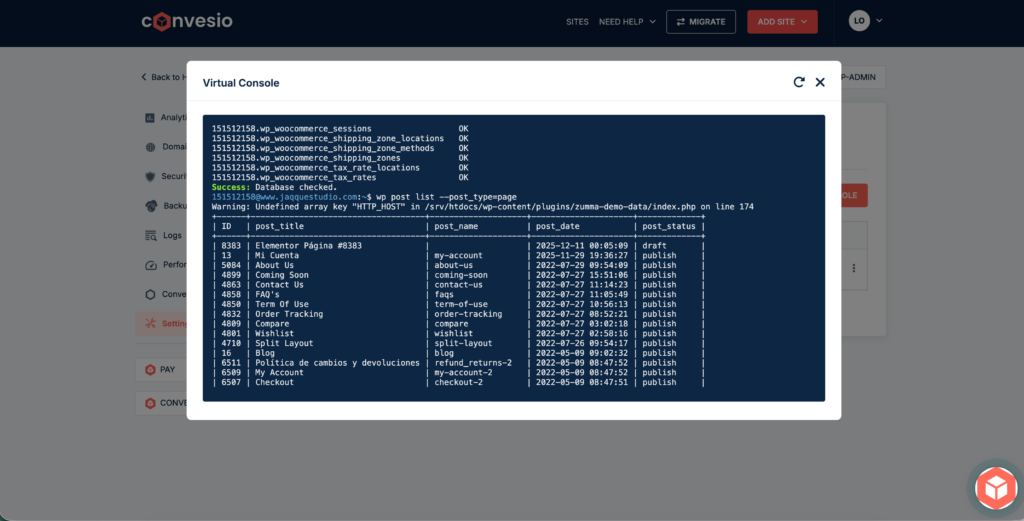
The example above shows a live wp post list --post_type=page command returning a full table of published pages, exactly the kind of quick inspection that used to require a separate SSH session.
Built for developers who move fast
No SSH client needed
Everything runs in the browser. No PuTTY, no iTerm, no credential juggling.
Instant access
Launch directly from the Convesio dashboard in a single click from Settings.
Full WP-CLI support
Run any WP-CLI command, updates, database checks, user management, and more.
Scoped to your site
Each console session is isolated to your Express site environment for safe, focused access.
How to open your Express Console
Steps to launch
Express Console is live for all Express sites
Log into your Convesio dashboard, open any Express site, and try the Virtual Console today. It’s the fastest way to get hands-on with your WordPress environment, no extra tools required.