Feature availability
- Manual payments and payment links are enabled only for approved merchants.
- This is an additional feature that is enabled on a per-merchant basis following further review.
Creating a payment
Enter card details directly in the dashboard or
Generate a payment link and send it to your customer.
Payment links and invoices
- Customers receive an email with an invoice.
- They can download the invoice or click the link to complete payment.
Branding options
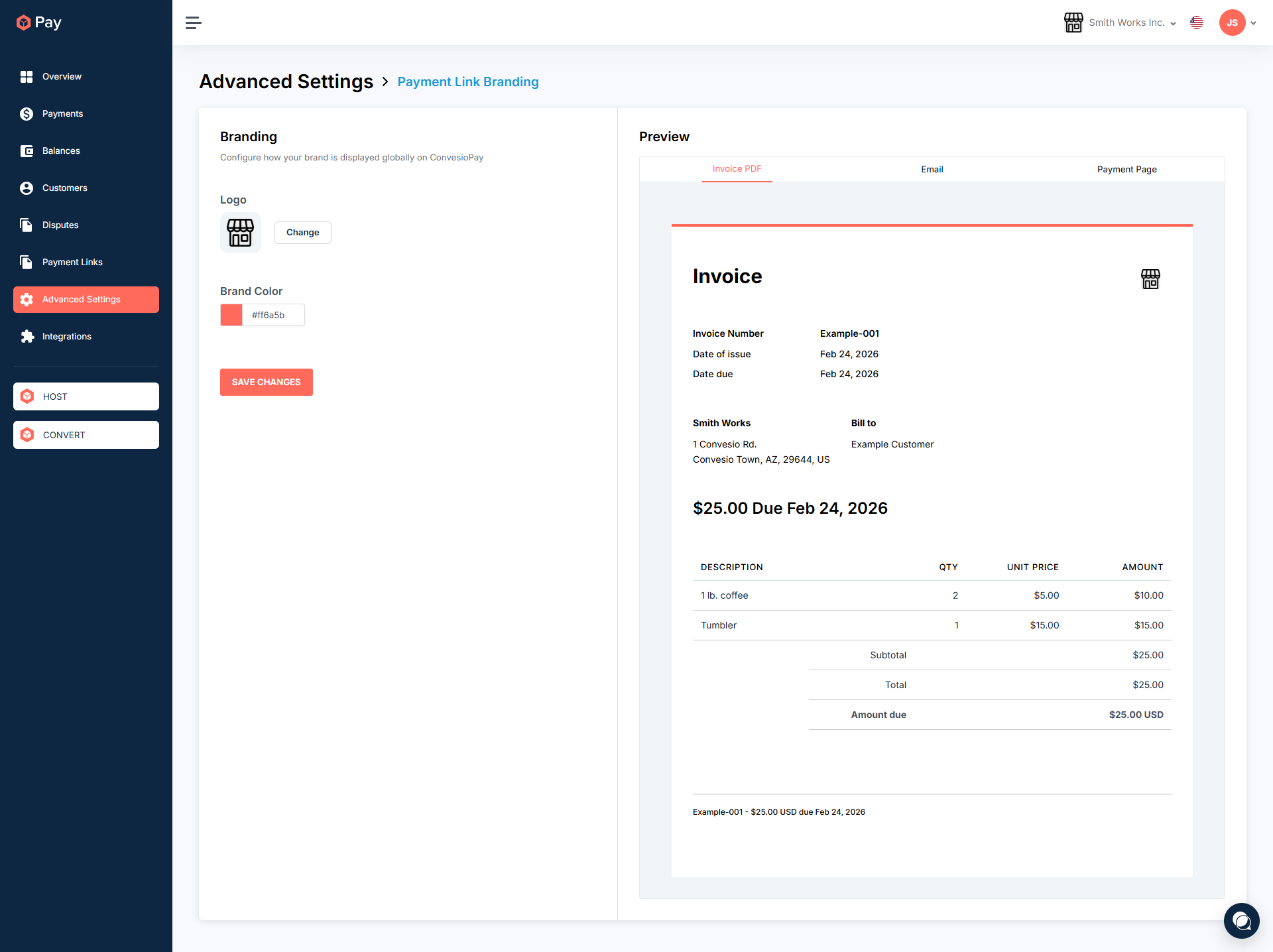
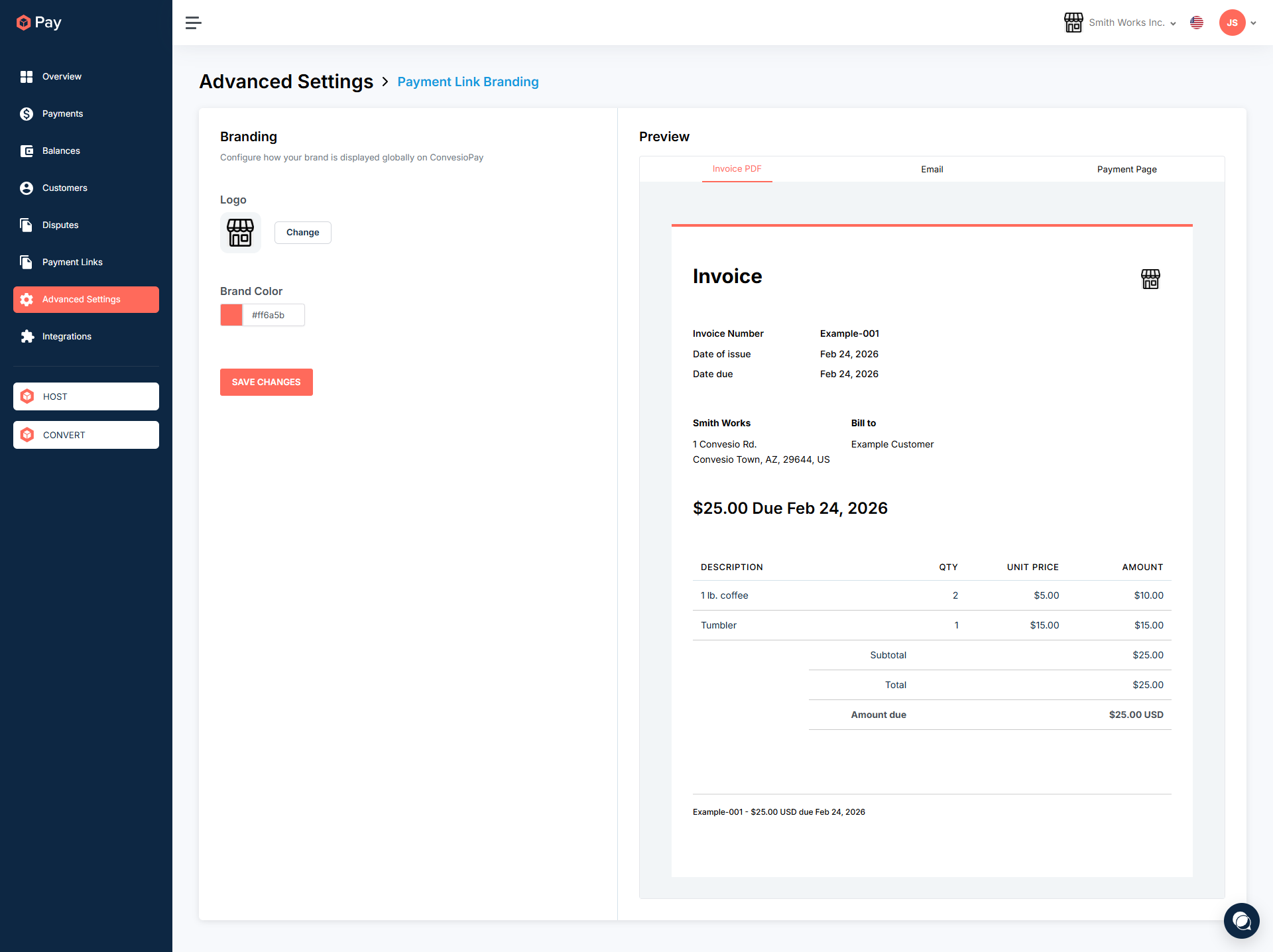
Customize logo and brand color for hosted payment pages.